




Long hours, travel, and a laptop that follows you home leave a narrow gap for everything else. Dating is usually the first thing to fall out of that gap. So when you finally open a dating app for professionals and the profiles coming back look nothing like the people you spend your working week with, it's tempting to decide the app is the problem. It usually isn't.
What follows covers the things that actually move your results: where you're searching, which filters exist, what a profile tells you that a filter can't, and how to keep a conversation alive when your week won't hold still. Kismia runs on the web and in the iOS and Android apps, and all of it applies to all three.
What Dating for Professionals Actually Means
Dating for professionals isn't a separate species of romance. It's ordinary dating with two conditions attached: you have less free time than most people, and you want someone who won't treat your schedule as a personal insult.
The people looking for the same thing come from everywhere. Hospitals, classrooms, law firms, engineering teams, agencies, small businesses somebody built from nothing. A dating site for professionals isn't a club you qualify for by job title; it's a place where enough people share those two conditions that you don't have to explain them from scratch every time.
Kismia is built around serious relationships, compatibility, and real communication rather than volume. Most members are there for something lasting — the site's own FAQ puts it as meaningful connections rather than endless small talk. Others start with friendship or simply meeting new people, and the matching tools work either way.
Choose Where You Search Before You Change Your Standards
Before you loosen your criteria, look at your search area. The same dating app returns a completely different population in a large metro than it does forty miles outside one, and people who move between cities notice the difference within a week. Ask career-minded singles where the professionals are and the answer that comes back most often isn't the name of an app. It's a map.
On Kismia the city filter sits in Search, under the All tab, and it works without a subscription. Set it to any city and widen outward from there, which matters if you happen to live between two of them. If you'd rather search by how close someone is than by city name, the Nearby tab and global search are part of Premium.
This is also the cheapest experiment on the page. Widening from your town to the nearest city costs nothing and changes who you see far more than rewriting your bio ever will. Kismia has city pages for dating across the United States and for dating in the United Kingdom if you want to see what's covered before you set anything.

What You Can Filter For, and What You Have to Read
Filters cut the list down. Profiles tell you who's on it. Those are two separate jobs, and most of what you need sits in the second one.
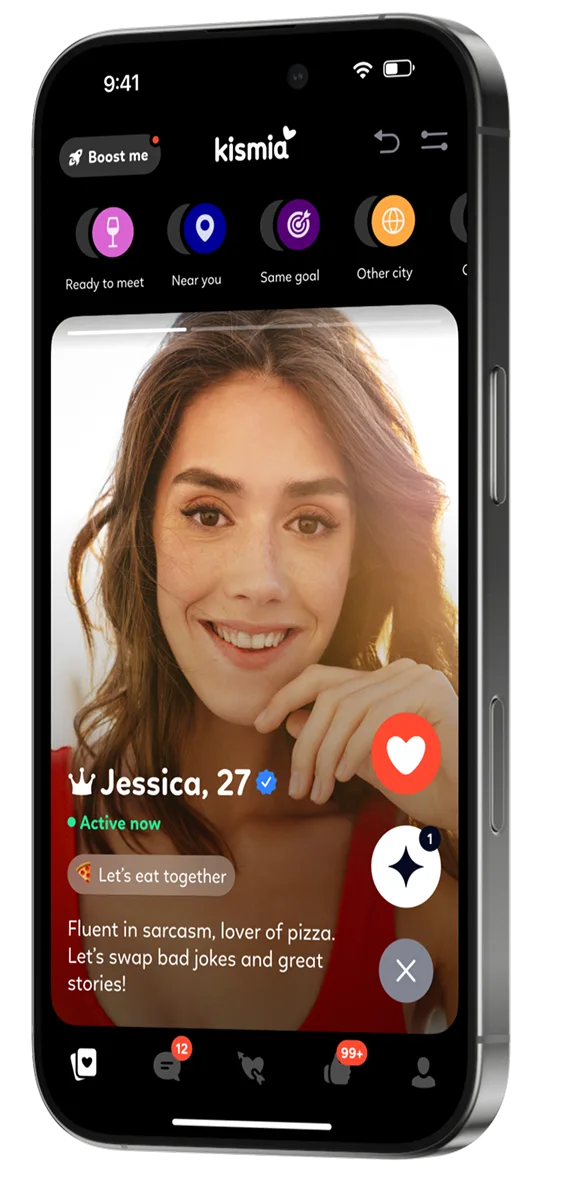
Without paying, Kismia lets you filter by city, gender, age, online status, and verification. Premium GOLD adds dating goals, height, mood, and habits. There is no filter for occupation, because a job title isn't something a search box can confirm.
What you can do is read. Work and education sit in the basic information block on a Kismia profile, next to marital status, children, and attitudes to smoking and alcohol. That block carries the heaviest single weight on the profile completeness scale, at 28%. A profile filled in properly will usually tell you what someone does before you ever tap the heart. The About me section and the answers to icebreaker questions cover the rest.
Two things are worth knowing here. A blank job field proves very little — some people well up the ladder leave it empty deliberately, preferring to be read for who they are rather than for what they earn. And the fields run in both directions: the Suitable tab in Activity takes into account what you entered about your own education and work, so finishing your own profile changes who Kismia puts in front of you.
Reading a full profile before you agree to meet takes two minutes. Learning the same information over dinner takes an evening. Being selective and being fussy are not the same thing.
Write a Profile That Says What Your Life Is Actually Like
Your profile isn't a job for a five-minute gap between meetings. Give it one proper sitting.
Photos carry the most weight of anything on the completeness scale, so start there: recent pictures where your face is clearly visible, and lead with one of you on your own rather than a group shot nobody can decode. The full scale on Kismia breaks down like this:
- Photos — 25%. The largest single block after basic information.
- Basic information — 28%. Marital status, children, smoking, alcohol, education, work.
- Email confirmation — 20%. Two minutes, and it's the easiest fifth you'll ever get.
- Registration — 15%. Counted the moment you sign up.
- Interests — 12%. Hobbies, activities, music, food.
Then be honest about the shape of your week. If you travel three weeks out of four, write that. If your evenings are unreliable but Sunday mornings are yours, write that too. It looks like advertising your own inconvenience and it works in your favour, because the people who reply are the ones for whom it genuinely isn't a problem.
Photo verification is optional on Kismia, and completing it gives you a badge: a blue icon with a white check. It's worth doing for a reason that isn't obvious. Verification is one of the few filters available to everyone without paying, so being verified puts you in front of the people who screen for it.
Keeping It Moving on an Unpredictable Schedule
Ten minutes at lunch is enough. So is the commute, or the dead time before a call that started late. Online dating for professionals doesn't need a cleared evening; it needs small and regular attention, and a full calendar can absorb that.
The thing that kills conversations isn't a lack of interest. It's a pause being read as one. This comes up constantly for people with demanding jobs: a reply that arrives eight hours later gets treated as a verdict, when all it means is that the phone was face down in a meeting. Saying so once, early, in plain words, prevents most of it.
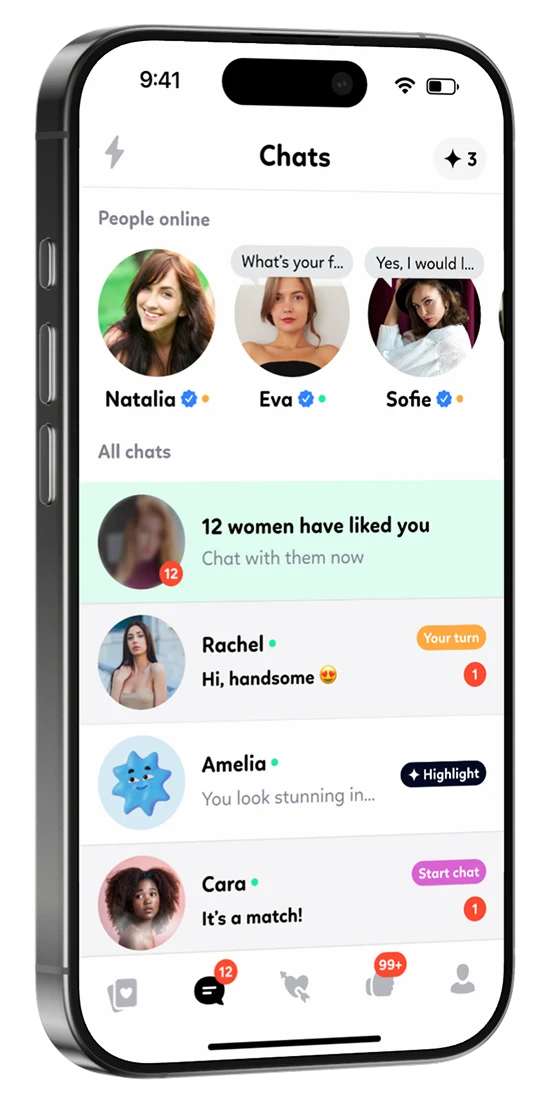
Kismia has three features that help with exactly this. Smart Messages open conversations with suitable people automatically, so a thread exists before you've found time to build one. Icebreakers give you sixteen ready-made questions to choose from, which removes the blank-page problem at eleven at night. And if someone with Premium messages you first, you can reply for free — so you can find out whether your rhythms match before you decide to pay for anything.
Unlimited messaging, and keeping several conversations going at once, come with Premium. Worth knowing before you plan a week around it.
Meeting in Person Without Rearranging Your Week
A first meeting doesn't need a whole evening. Coffee on a Saturday morning, lunch on a Wednesday, a walk squeezed between two other things. Short formats work better anyway, because neither of you has committed four hours to somebody you've known for a week.
Whichever slot you pick, protect it. Phone on silent, in your pocket, and left there. Work will still be waiting, and the alternative is spending an hour demonstrating to someone that they're the second most interesting thing at the table.
If both calendars are full, small windows do more than you'd expect. A short coffee, a quick lunch, a call on the way home. Quality time isn't measured in hours, and two people who both work hard tend to understand that without being told.
Kismia is free to join, on the web and in the iOS and Android apps. Fill your profile in properly, set your city, and see who's actually there.